Scale Your WooCommerce Store with US Based Dropship Suppliers
Build your WooCommerce dropshipping business with a simple and reliable setup. Connect your store and start importing products from trusted US based dropship suppliers and AliExpress suppliers, all from one platform.
Browse a large catalog of products across multiple niches and add them to your WooCommerce store in minutes. Customize your listings, set your pricing, and create a store that fits your brand.
Manage your products and orders from one place while focusing on growing your sales. With access to a wide range of suppliers and products, you can expand your store and scale your business without managing inventory.

Powerful ecommerce built on WordPress
Create, customize, and grow your WooCommerce store with ease
Choose products
Import to your WooCommerce store
Make sales and get paid
Process your orders

1. Connect your WooCommerce store
Sign up for our WooCommerce dropshipping plan and connect your Wholesale2B account to your WooCommerce store. Once connected, you can start importing products into your store and keep your listings updated with supplier inventory, stock levels, and order data.
All you need is a WooCommerce store and the Wholesale2B WooCommerce integration to start dropshipping.
Get Started Free2. Add products to your list
Start building your WooCommerce dropshipping product list by browsing over 1 million items across multiple niches, suppliers, and categories. Use filters to find top selling products, low shipping options, and items that match your store’s focus.
Set your profit margins using global markup rules or adjust pricing for individual products. Once your list is ready, turn it on to import products into your WooCommerce store and start building your dropshipping catalog.
3. Start selling & earn profits
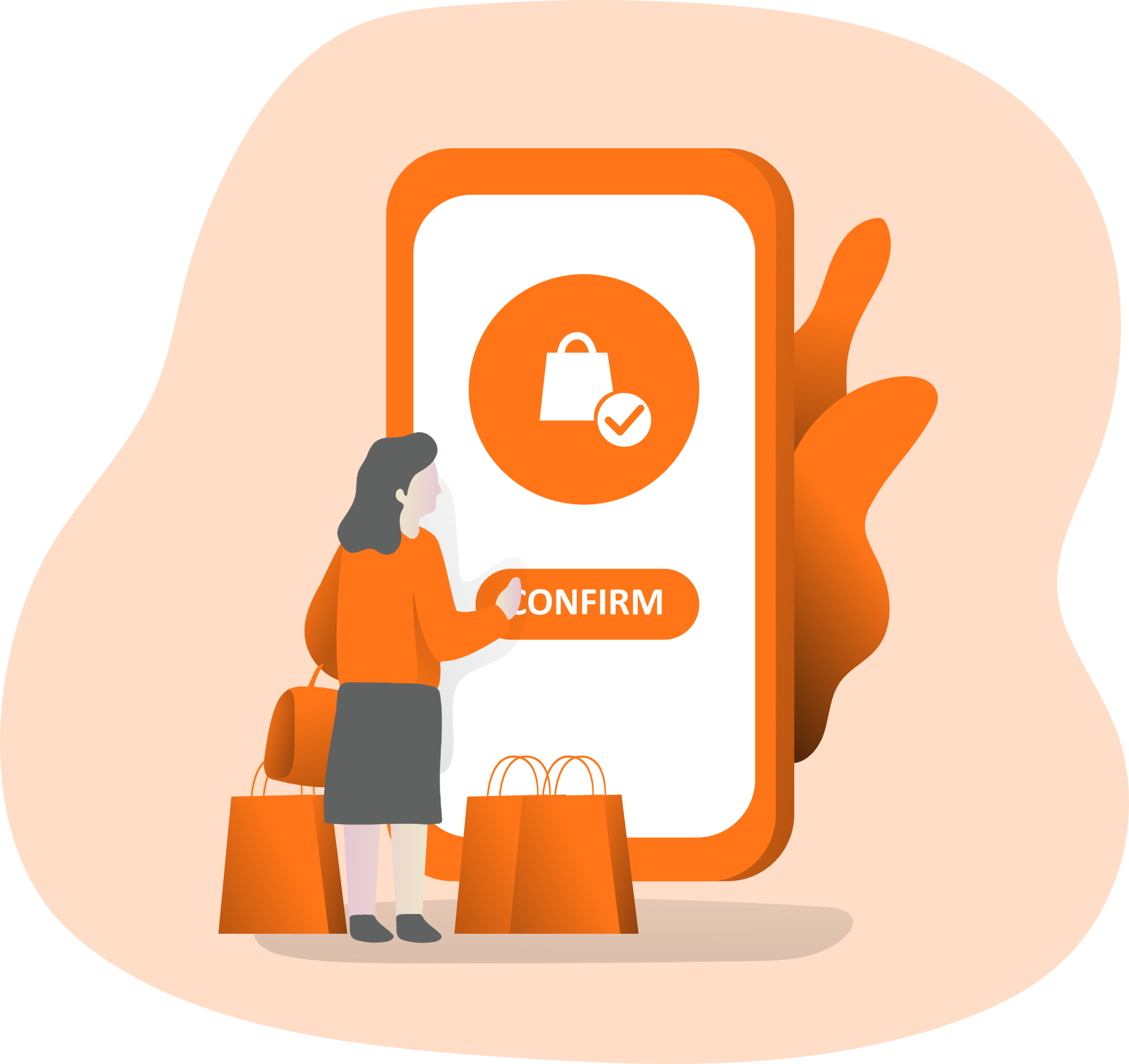
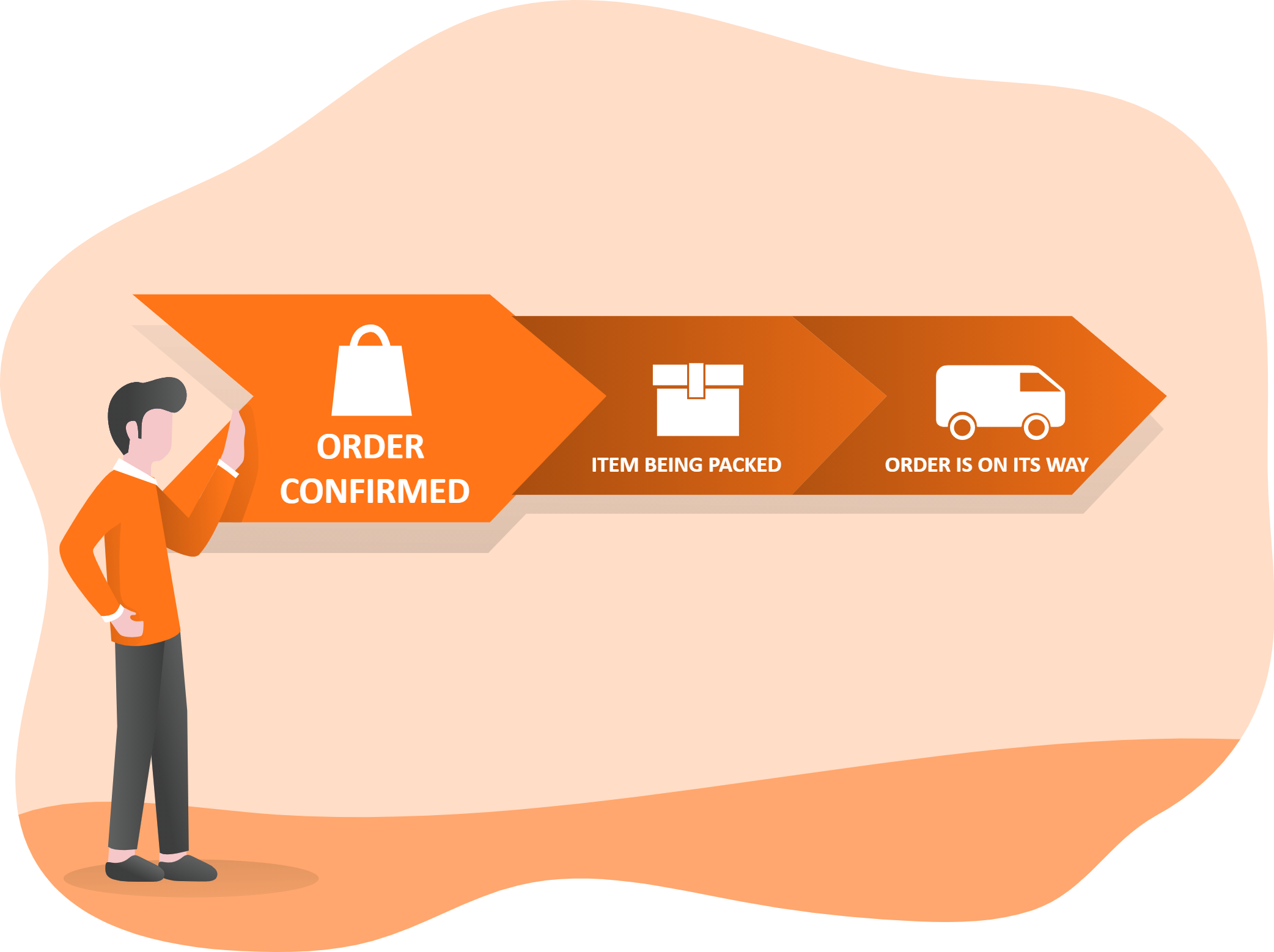
When a customer places an order on your WooCommerce store, it is automatically imported into your Wholesale2B dashboard. Simply review the order and click to process it, and we take care of fulfillment, packing, and shipping.
Tracking details are sent back to your WooCommerce store, and the order is marked as shipped. This allows you to run your WooCommerce dropshipping business without handling inventory or logistics.
We operate as a white label service, so your customers only see your brand. You stay in full control while we handle the backend operations.
Get Started Free4. Customize and optimize your products
Take full control of your product listings and optimize them for better search visibility. You can edit product titles and descriptions directly from your Wholesale2B dashboard to match your brand and improve your WooCommerce dropshipping performance.
For more advanced SEO control, you can use plugins like Yoast SEO or Rank Math within your WooCommerce store to further optimize titles, descriptions, and on-page content.
Get Started Free
Why WooCommerce Dropshipping is a Smart Choice
If you are looking to build a profitable online business with full control, WooCommerce dropshipping is one of the best paths you can take. WooCommerce gives you complete ownership of your store, flexibility in design, and access to powerful tools that help you scale your business at your own pace.
WooCommerce powers millions of online stores worldwide and continues to grow as one of the most trusted ecommerce platforms. As an open source solution, it allows you to customize every aspect of your store, from product pages to checkout experience, making it ideal for serious dropshipping sellers.
When you dropship on WooCommerce, you are not limited to one supplier or marketplace. You can connect with multiple WooCommerce suppliers and WooCommerce dropshipping suppliers, giving you access to a wide range of products across different niches. This flexibility helps you test products faster and find winning items more efficiently.
Another key advantage of WooCommerce dropshipping is cost efficiency. Unlike other platforms, WooCommerce does not charge transaction fees. This means you keep more of your profit margins while only paying for hosting, domain, and the tools you actually use.
In short, WooCommerce dropship businesses benefit from flexibility, scalability, and full control, making it a preferred choice for beginners and experienced sellers alike.
How to Dropship on WooCommerce with Wholesale2B
If you want to simplify your WooCommerce dropshipping setup, using Wholesale2B is one of the most efficient ways to get started. Wholesale2B acts as a bridge between your WooCommerce store and a large network of verified WooCommerce dropshipping suppliers, helping you manage products, inventory, and orders from a single dashboard.
Instead of manually searching for WooCommerce suppliers, negotiating terms, and managing stock updates, Wholesale2B gives you instant access to a massive catalog of products that are ready to import and sell.
Understanding WooCommerce Dropshipping
- Why Choose WooCommerce for Dropshipping
- WooCommerce supports complete store customization and branding.
- You can connect with multiple WooCommerce dropshipping suppliers instead of relying on a single source.
- It integrates with various plugins and tools for automation and scaling.
- No platform transaction fees means higher profit margins.
Setting Up Wholesale2B with WooCommerce
- Seamless Integration
- Wholesale2B integrates directly with WooCommerce, making it easy to build a fully functional WooCommerce dropshipping store.
- You can import products in bulk from trusted WooCommerce suppliers without manual effort.
- Inventory levels are updated automatically, helping you avoid overselling.
- Orders from your store are synced to your Wholesale2B dashboard for easy processing.
Step by Step Guide to WooCommerce Dropshipping with Wholesale2B
- Install the Wholesale2B Plugin
- Add the Wholesale2B plugin to your WooCommerce store.
- Browse thousands of products from verified WooCommerce dropship suppliers.
- Select products that match your niche and target audience.
- Import Products to Your WooCommerce Store
- Set your pricing rules using global markups.
- Import products in bulk or individually.
- Customize product titles and descriptions for better SEO and conversions.
- Start Selling and Accept Payments
- Customers place orders directly on your WooCommerce store.
- You receive payments directly through your configured payment gateway.
- Process Orders Easily
- Orders are automatically imported into your Wholesale2B account.
- You simply confirm and pay the wholesale cost.
- The supplier ships the product directly to your customer.
Why Choose Wholesale2B for WooCommerce Dropshipping
- Access to Trusted WooCommerce Suppliers
- Get access to a large network of WooCommerce dropshipping suppliers in one place.
- No need to manage multiple supplier accounts.
- Automation for Your WooCommerce Dropship Store
- Automate product imports, inventory updates, and order syncing.
- Save time and focus on marketing and scaling your business.
- Wide Product Selection
- Choose from a massive catalog across multiple categories and niches.
- Test and expand your store with ease.
- Optimized for Growth
- Perfect for beginners starting their first WooCommerce dropshipping store.
- Scalable for experienced sellers managing large catalogs.
- Real Time Updates
- Stay updated with product availability and pricing changes.
- Reduce order issues and improve customer satisfaction.
With Wholesale2B, you can build a reliable WooCommerce dropshipping business without dealing with the usual complexities of sourcing, inventory management, and supplier coordination. It brings everything together so you can focus on growing your store and increasing your sales.
Get Started FreeFrequently Asked Questions
Woocommerce Dropshipping App
Try Wholesale2B Totally Risk-Free
-

-

-

-

-

-
500K+